Quick Start
1. Click  to activate Block Picker
Then the main article in page will be auto selected as context by default, you can change the context block easily by just one click.
Tips: You can also activate Block Picker with shortcut CMD⌘+E / Ctrl+E.

2. Select an Action to compose
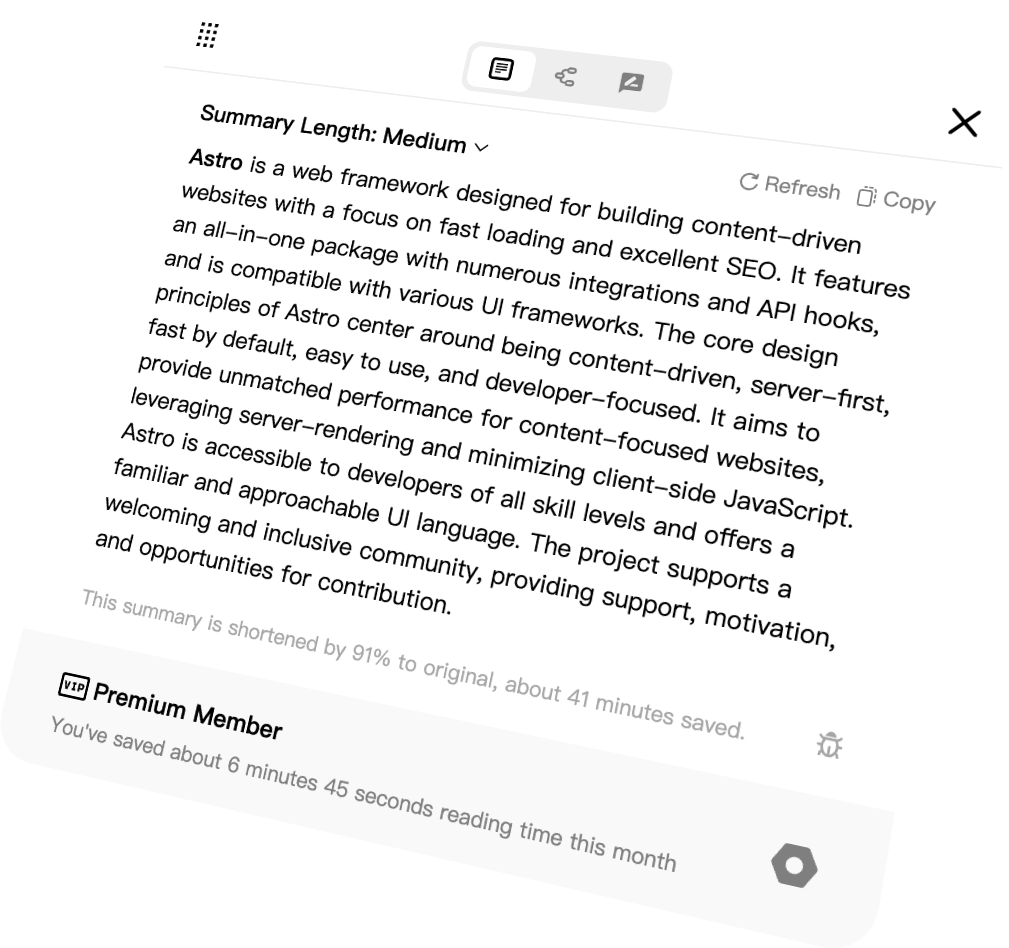
Generate high-quality  summaries,
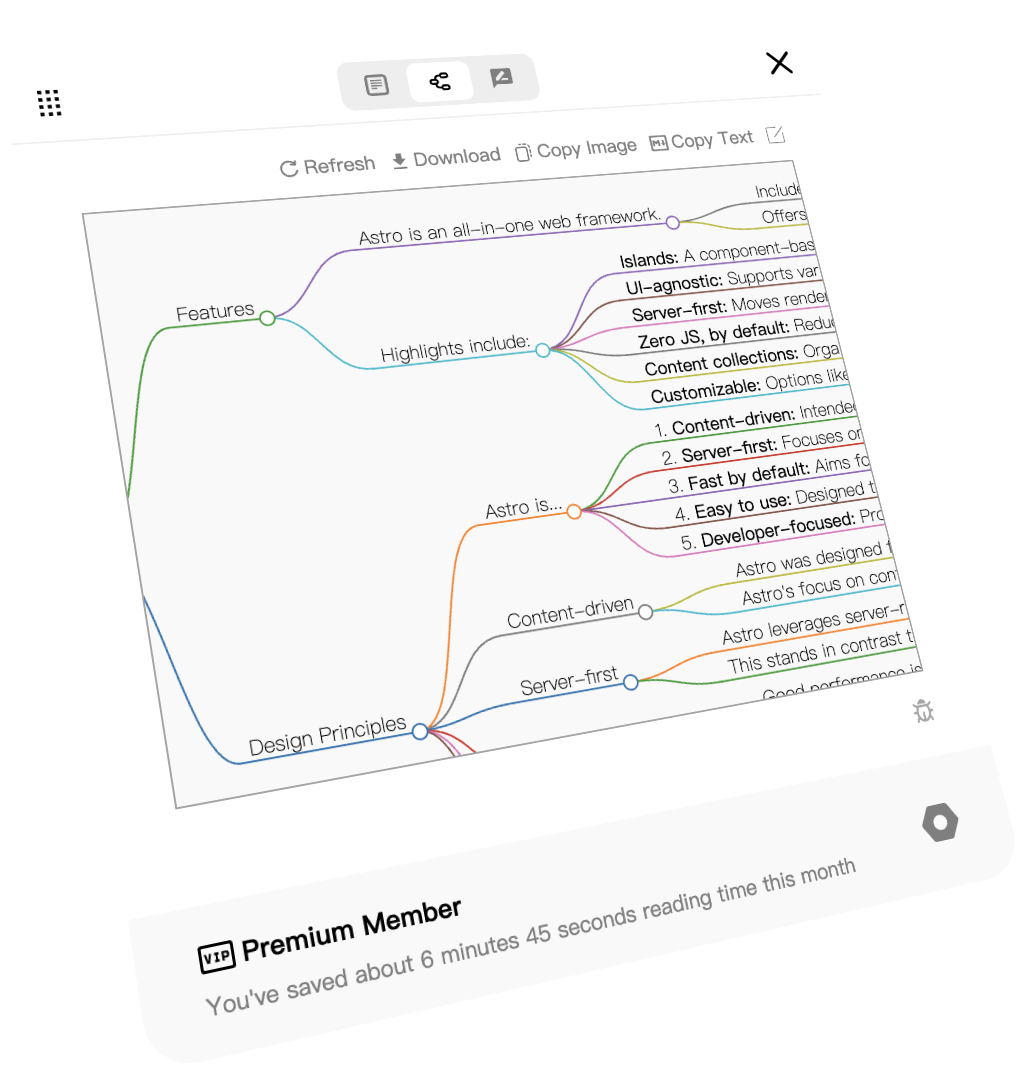
  mind maps or
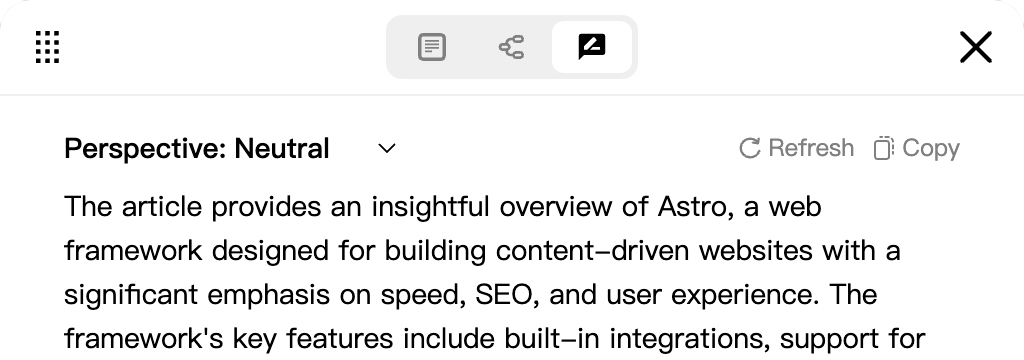
  reviews in different perspective based on the context you chosen.
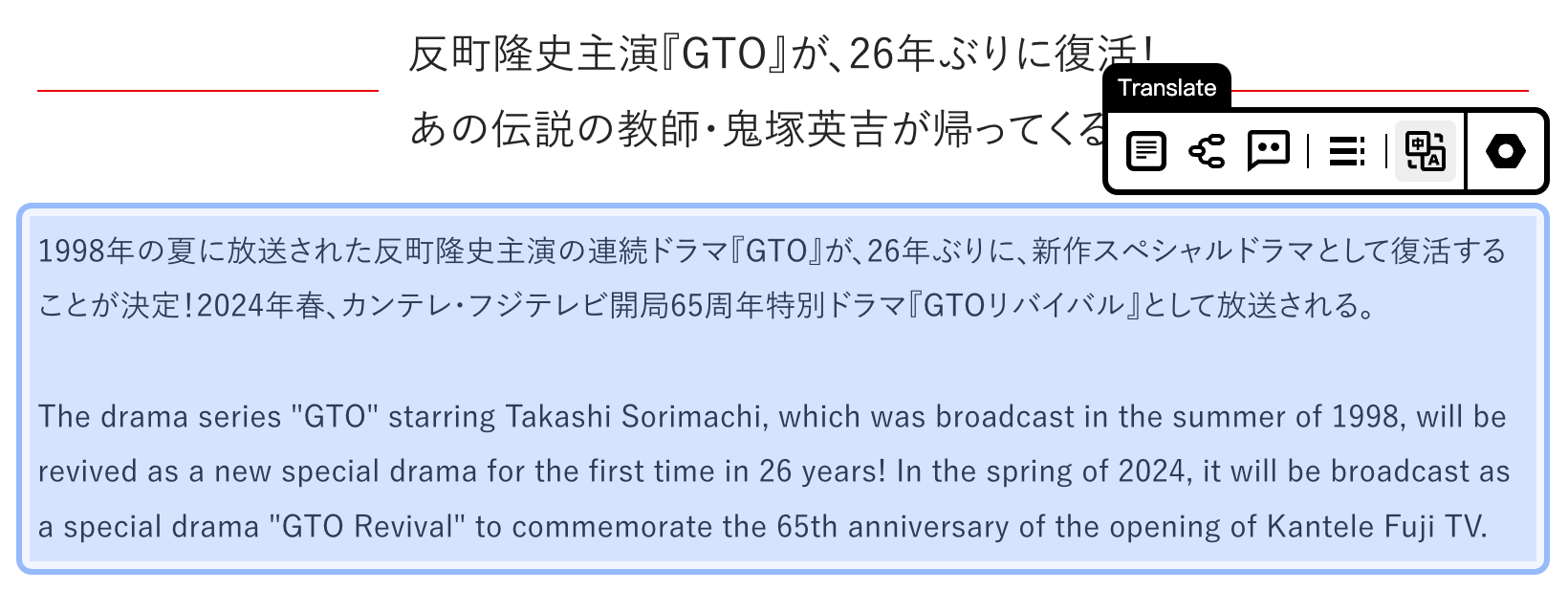
Or, just  translate the content to your native language to help you read faster!

3. Edit, reorganize, reformat.
Save as Sketch Notes
You can always edit the results as a Sketch Note which can permanently save your ideas and thoughts to the webpage.
* Sketch Notes will coming soon in early spring.

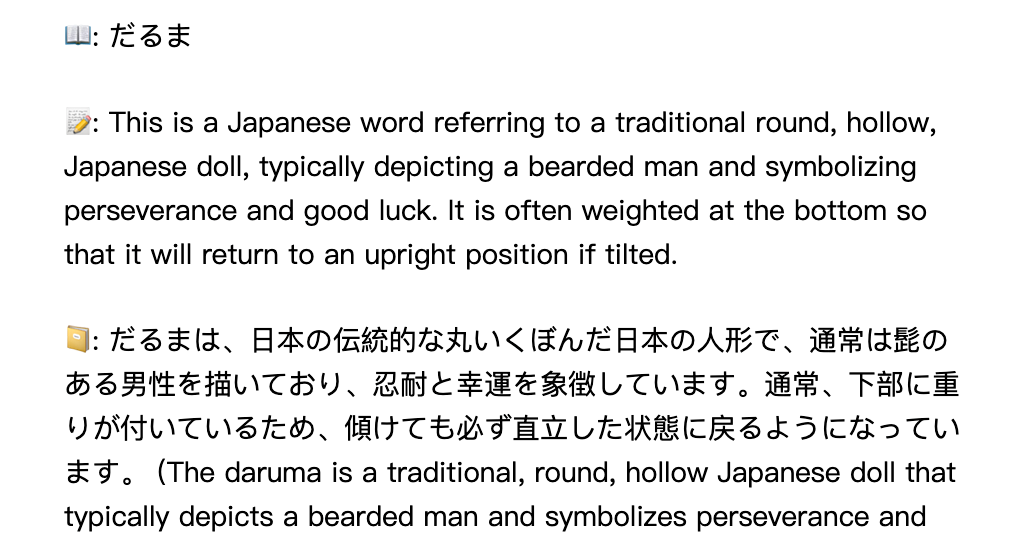
+ Definition explains anything
Select any word or sentence in webpage, choose Define selection in context menu, get a detailed explaination instantly.


 YouTube
 Bilibili